Welcome - We're glad to have you on board!
Loaded is a cloud-based hospitality management hub. We integrate with your POS system to give you real-time sales information which you can access from anywhere at any time. We also integrate with
Your payroll system - to export timeclock information to get your staff paid
Xero - to export Invoices, Credits, and Statements to get your suppliers paid
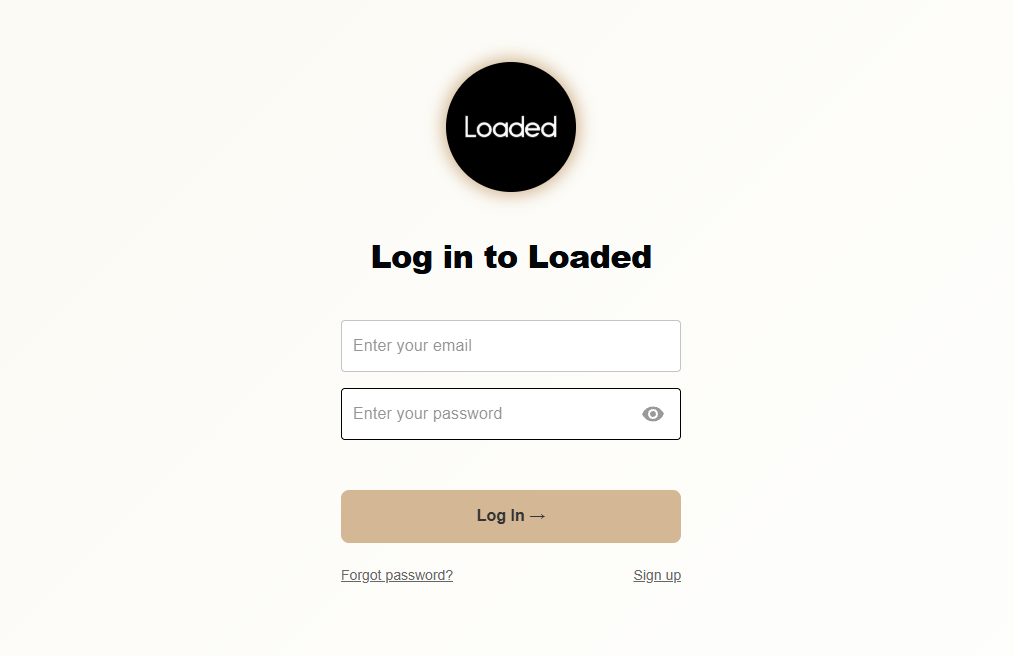
Once you have signed up with us you can log in from any device,
Head to www.loadedhub.com
Click Log In
Type in your email username & password - if you can't remember your password you can reset this using the Forgot Your Password? link
Once logged in you'll be brought straight to your Dashboard
Dashboard
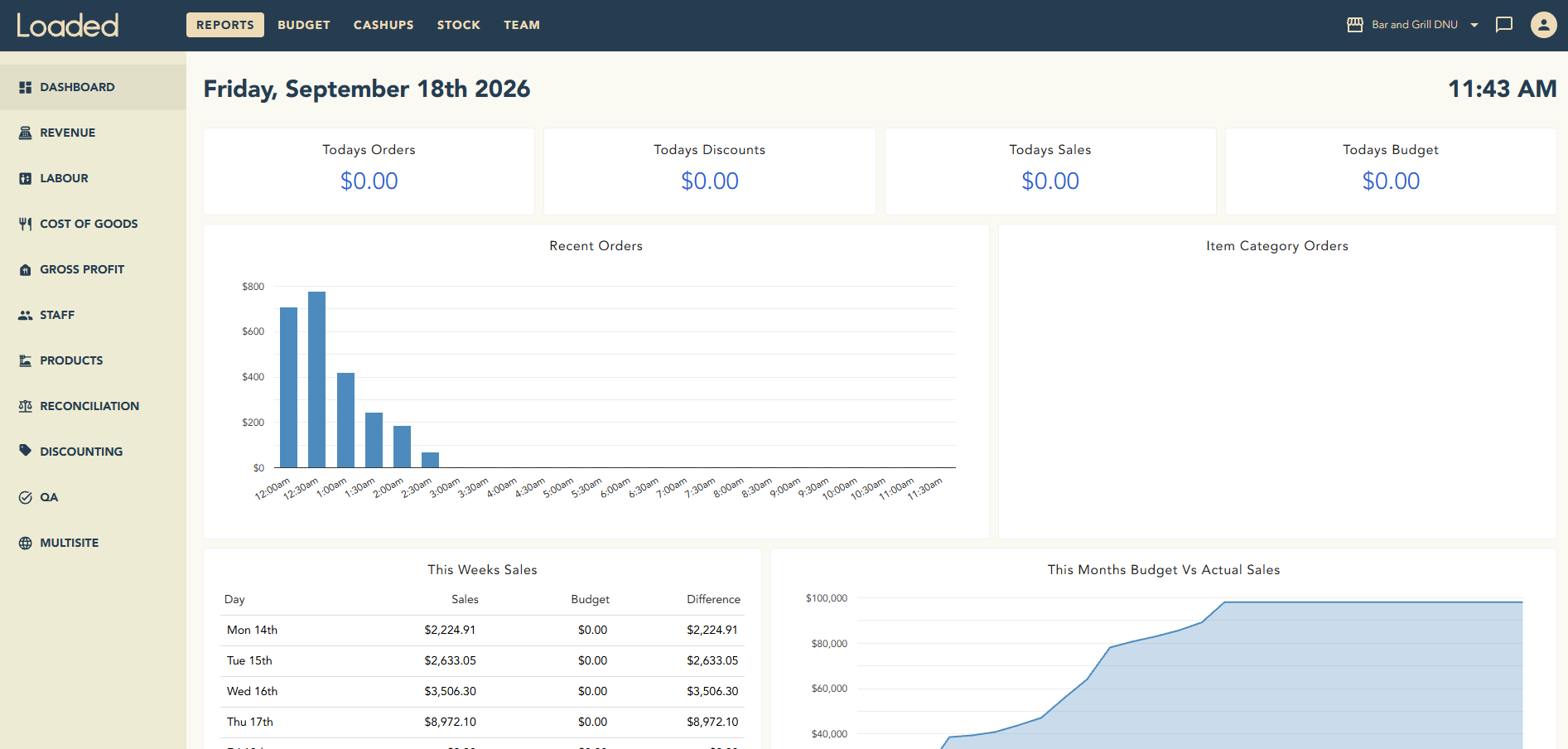
This is where you'll find all the most relevant information relating to today's trading. This is synced in real time which means you'll know exactly what's going on at your site once the page is refreshed. If you want more detailed info you can head to Reports.
Reports
This is where you'll find all the information from your site translated into easy-to-read but detailed reports. If it matters, it's in there! See a breakdown of each report type below,
Budget
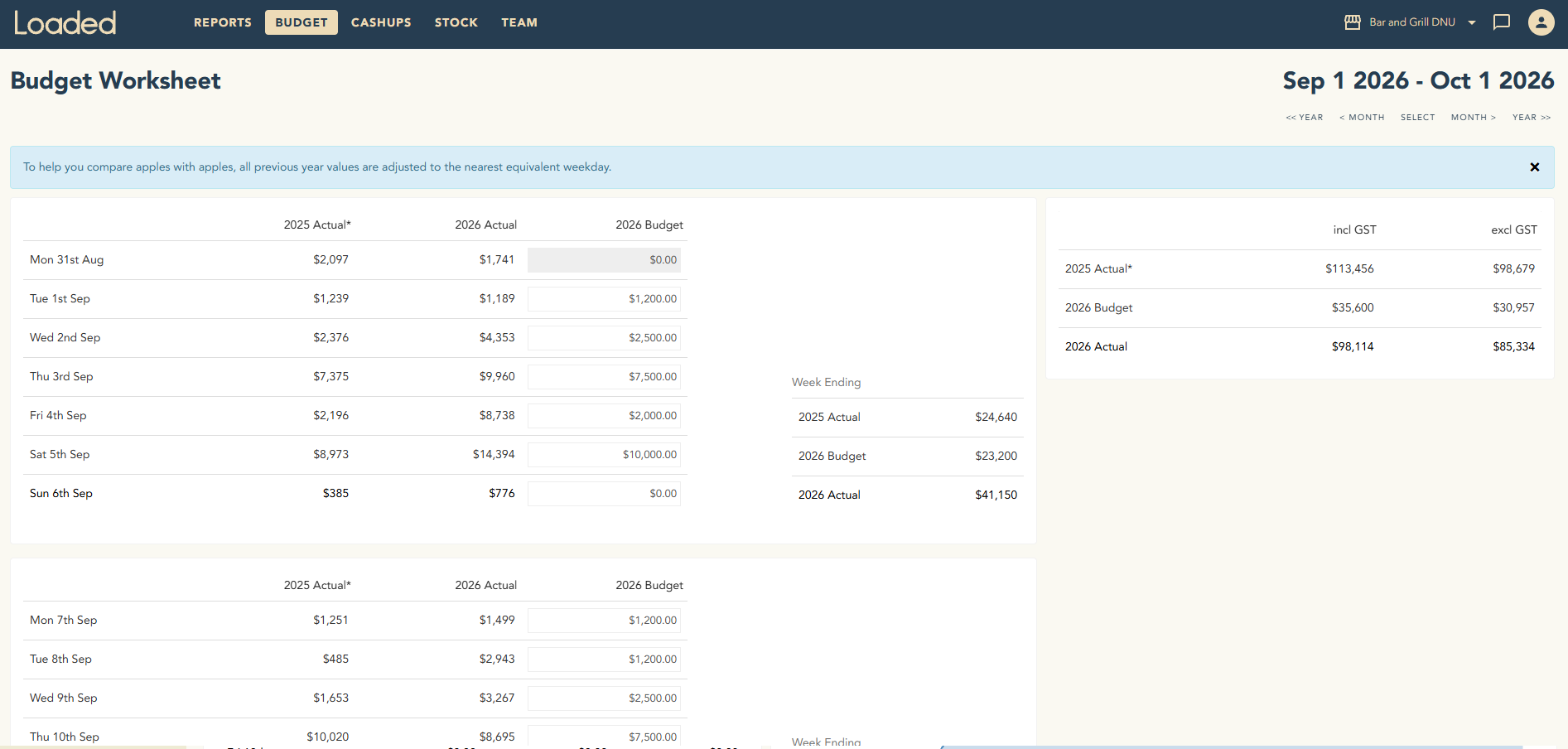
Budgets help benchmark sales during the year and monitor any differences between actual results and what has be forecast. To set your budget in Loaded follow the steps here.
Cashups
Cashups can be completed on Loaded saving you significant time by fully automating the process. No more paper or confusing spreadsheets, just count the cash & enter it daily, Loaded will look after the rest! To get started on Cashups follow the steps here.

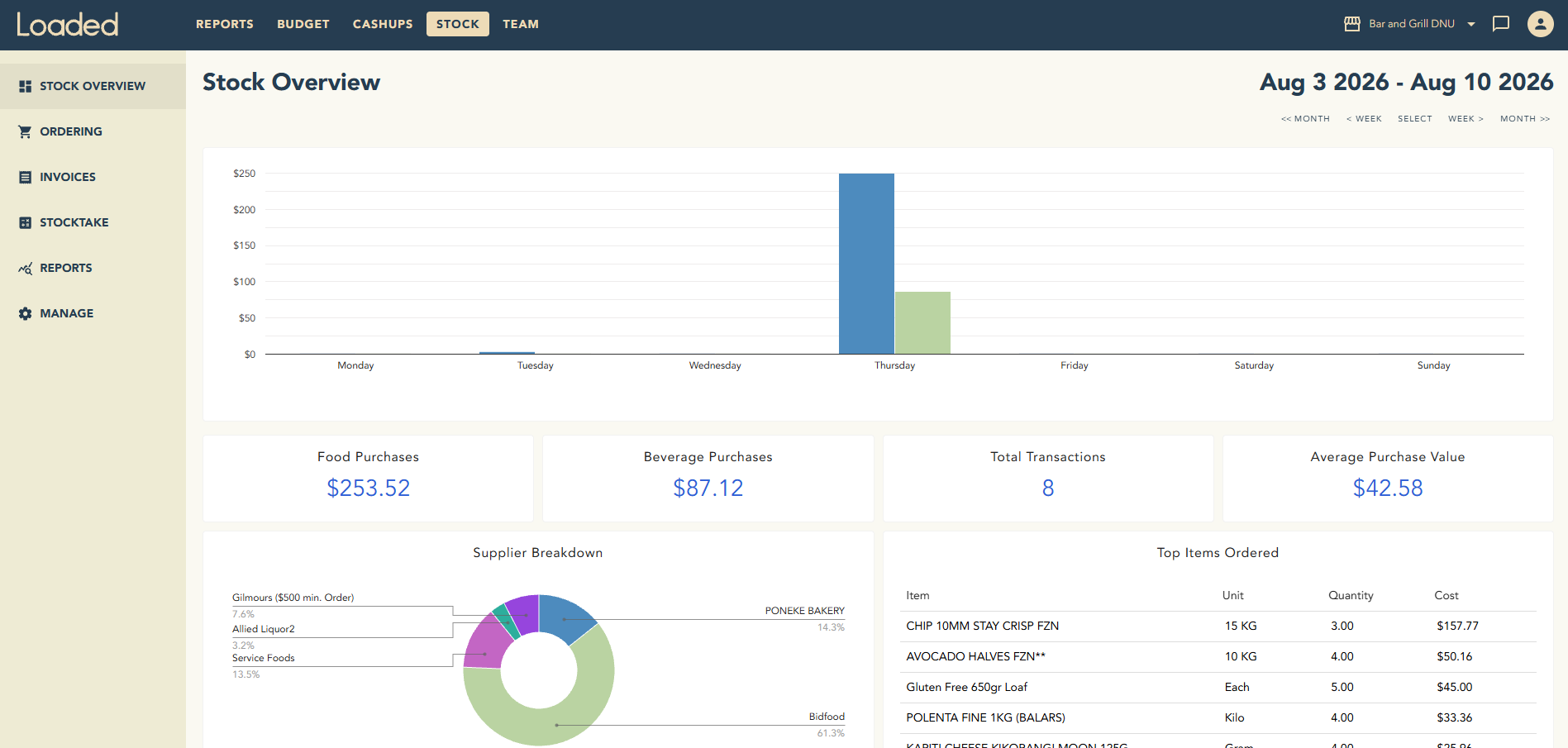
Stock
Loaded provides an end-to-end stock & inventory control solution.
You can manage everything from,
General record keeping
Recipe costings
Menu costings
Generating & sending purchase orders or credit requests directly to suppliers
Reconciling invoices & statements & exporting these to Xero for payment
Stocktaking & cost of goods management
For more information on where to start, click here.
Team
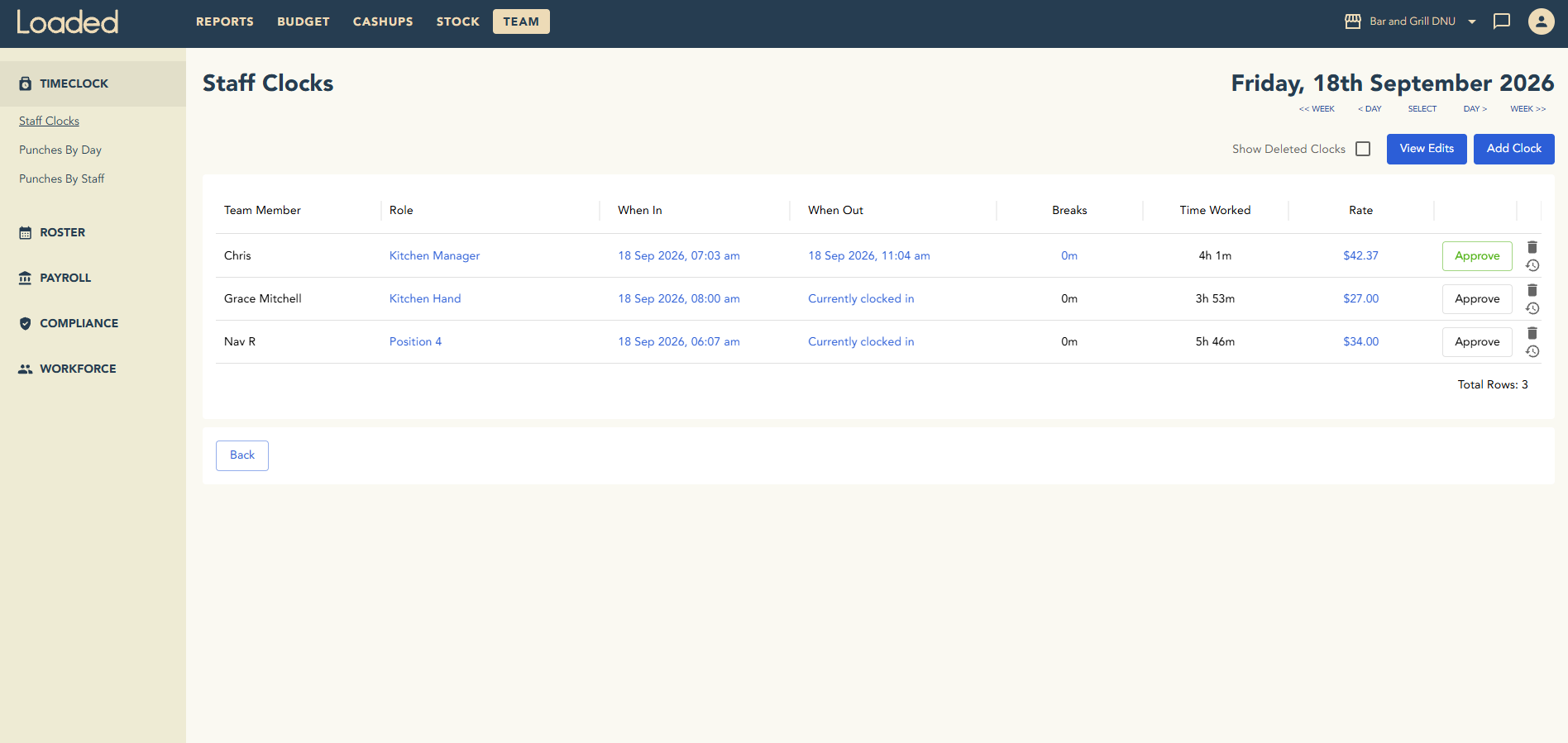
The Team feature has three main functions,
Timeclock & actual wage cost recording
Export timeclocks to Payroll
Roster creation & costing
For more information on where to start, click here.
Company Settings & User Management
You have full control over your Company Settings, we recommend checking the default settings suit your business & adjusting them if not. For instructions on how to do this, click here.
You may want to invite other key persons from your business to access Loaded. You can do so by following these steps. You can also allow varying access levels using the permission settings here.