You need Stock permission to create a stocktake. If you don't have access to this module, ask someone with Manager permissions to update your user permissions.
You need to have entered your stock items before you can complete a stocktake.
You can also stocktake component recipes if you have already set these up.
Before you can use your completed stocktakes to generate a stocktake report you'll need to have received all purchase orders/credit requests for the stocktake period and completed all POS links.
In order to avoid confusion and get the most out of the stocktake report, follow our best practice stock set up.
If you want more control over the items you are stocktaking, you can create a custom Stocktake Template and Stocktake Areas.
Once you have completed two stocktakes you can view stocktake reports and analyse your cost of goods.
To access, head to Stock and then Stocktake.
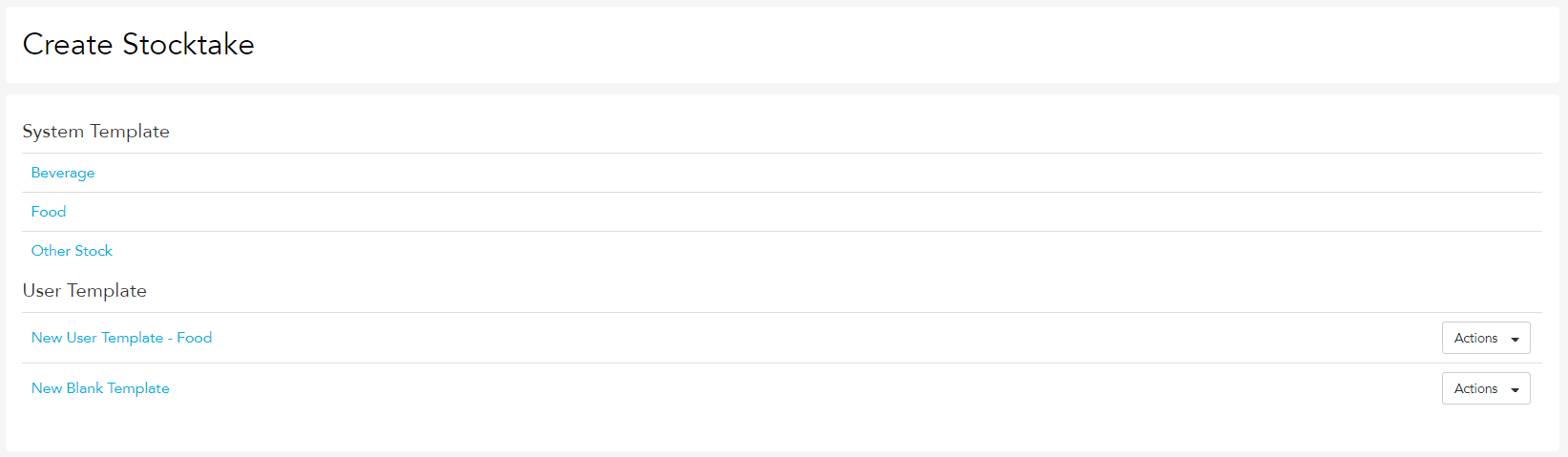
Click Create Stocktake.
You will then have the option to choose whether to stocktake Beverage, Food or Other Stock Items. If you have created stocktake templates, you will also have the option to choose one of these.
Once the template has finished loading, click on the link to open the blank template.

You can print this template off to help you count, then come back to it to enter the totals, or enter the totals directly into your device as you count.
Start entering your total count data for each stock item under the Quantity section.

Once you've finished inputting all your data, click Complete Stocktake.
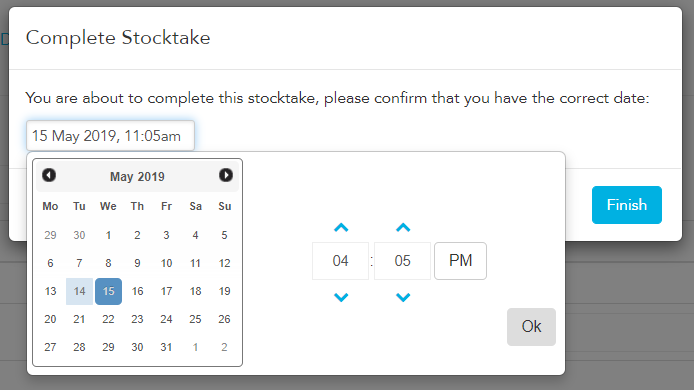
An option box will come up — select the appropriate date and time, then click Finish.