
You need Stock permission to create & review a tender. If you don't have access, ask someone with Manager permissions to update your access.
You need to have entered your supplier details, stock items and tenders before you can review a tender.
This article covers the technical detail of reviewing a tender in Loaded — for broader guidance on entering into contract pricing with your suppliers, see our blog article here.
This report compares the stock prices you've actually been charged to the prices you agreed with your supplier — from here you can approach your supplier for a credit for any excess charges.
To access, head to Stock → Ordering → Supplier Tenders.
Click Actions beside the tender you want to review.
Click Review Tender.
Edit the Review Period dates if needed and click Apply. The review period includes any purchase orders received during that time for each item in your tender.
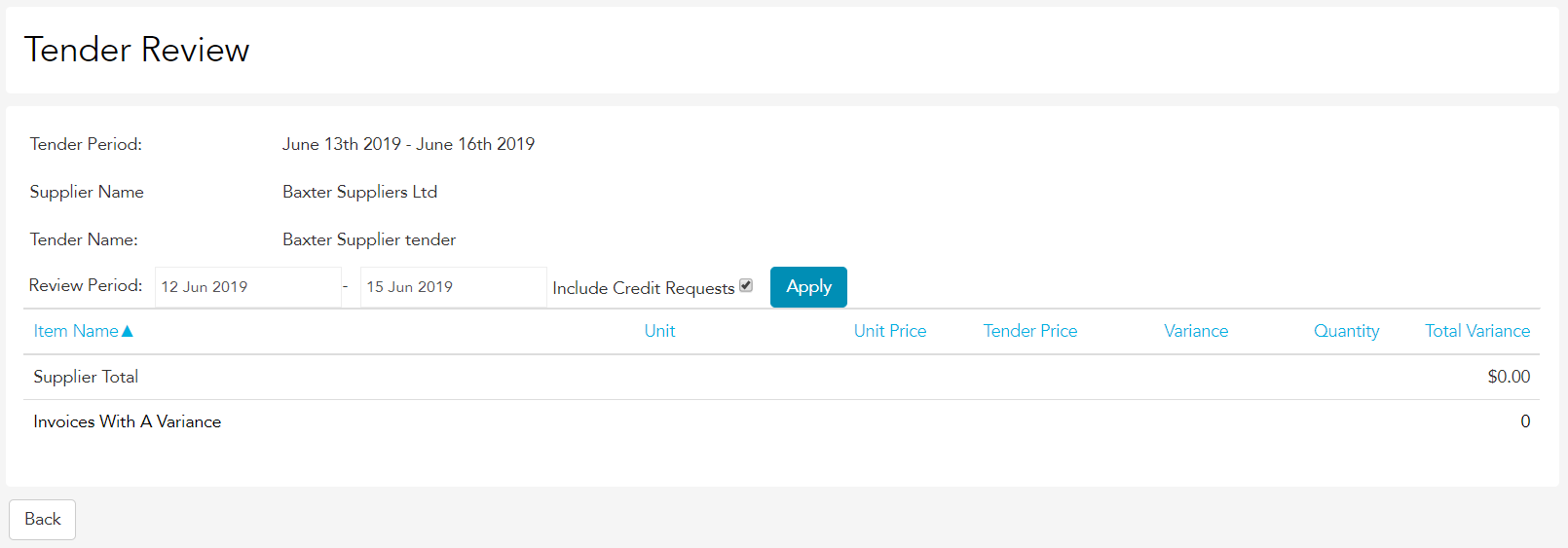
The report shows the price you've actually received stock items at versus the price you agreed with your supplier over the review period, with variance details so you can easily identify when and where you may have been overcharged.
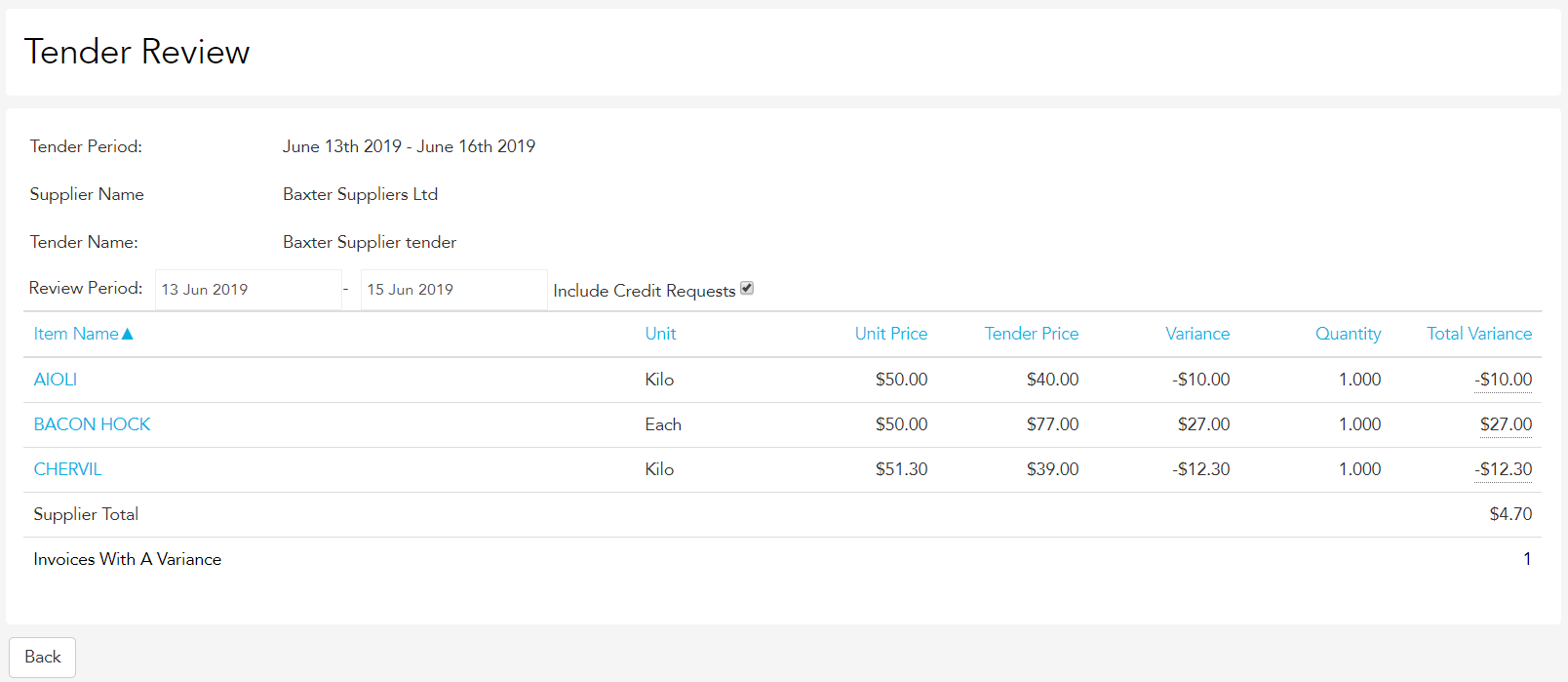
You can then share this information with your supplier and arrange credits if relevant.