
With Loaded Stock you can also count recipes as well as items when you complete a stocktake. Here's how you go about it.
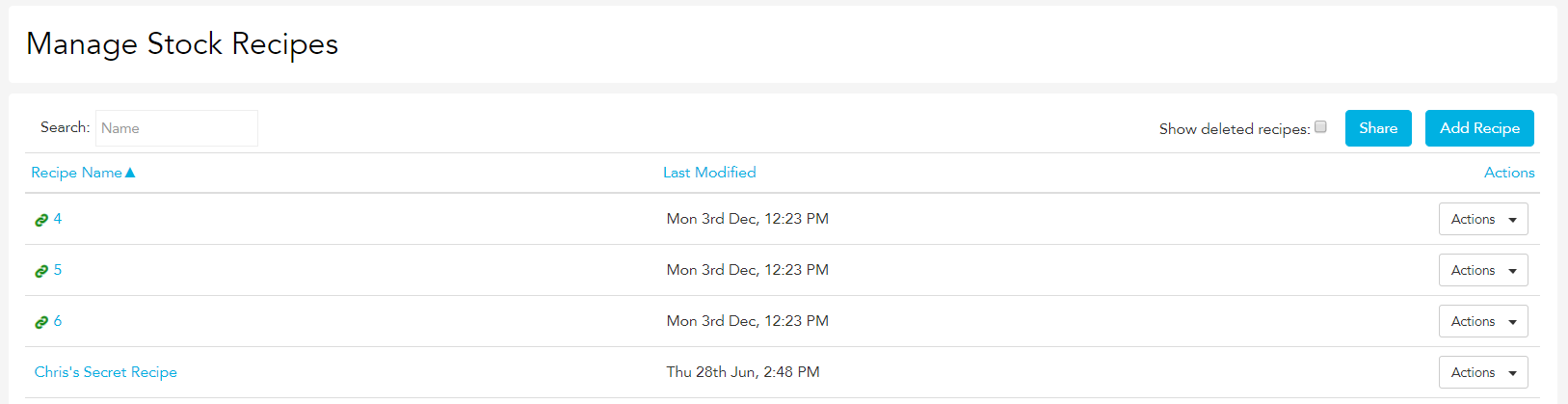
Find the recipe you want to count in the Recipes section.
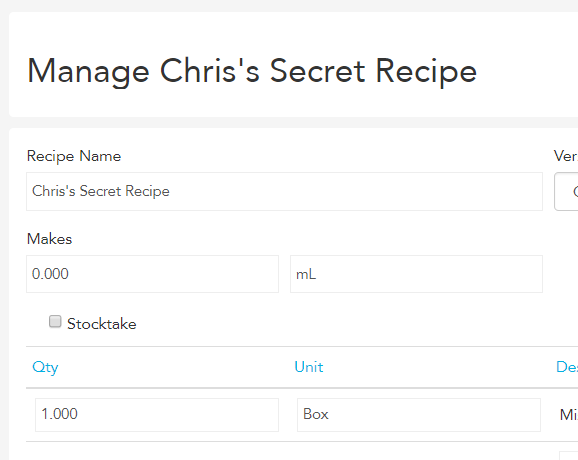
Tick the Stocktake box within the recipe. This will make the recipe stocktakable when you complete a stocktake.
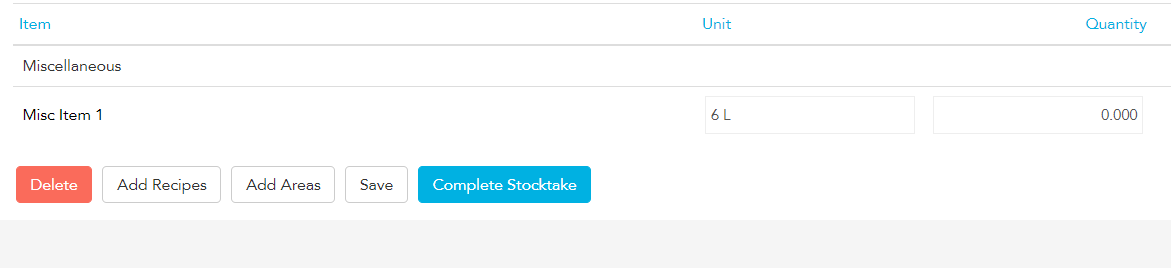
You will need to create a new stocktake after you have ticked the Stocktake box in the recipe before you will be able to add the recipe to that stocktake. You will not be able to add recipes to previous stocktakes.
To count the recipe, click the Add Recipe button at the bottom of the stocktake. You'll then get a pop-up box with the recipes for which the Stocktake checkbox has been ticked.
Enter the amount of the recipe you have and click Finish. The ingredients within the recipe will be added to the current stocktake.
