You need Stock permission to create and send purchase orders. If you don't have access to this module, ask someone with Manager permissions to update your user permissions.
You need to have entered your delivery details, supplier details and stock items. It will also help if you're familiar with generating and sending purchase orders and credit requests.
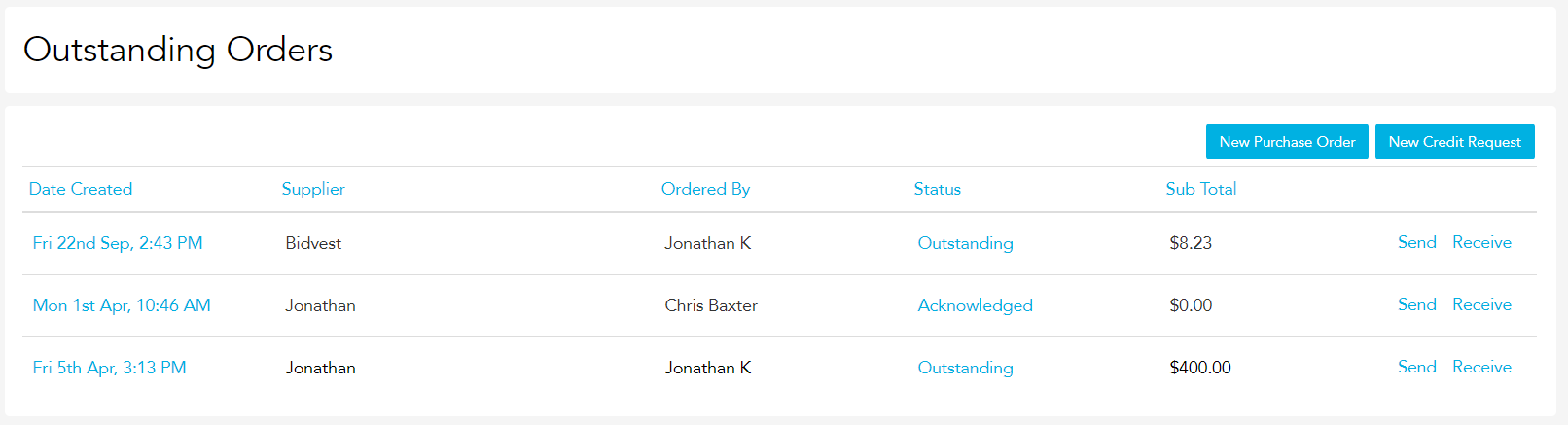
To access, head to Stock and then Ordering, Outstanding Orders.
Click New Purchase Order. This will take you to a blank purchase order template.
Click +Add Item and type the name of the stock item you want to order. Select the appropriate product from the list, and ensure the Unit & Quantity are accurate before editing the supplier.
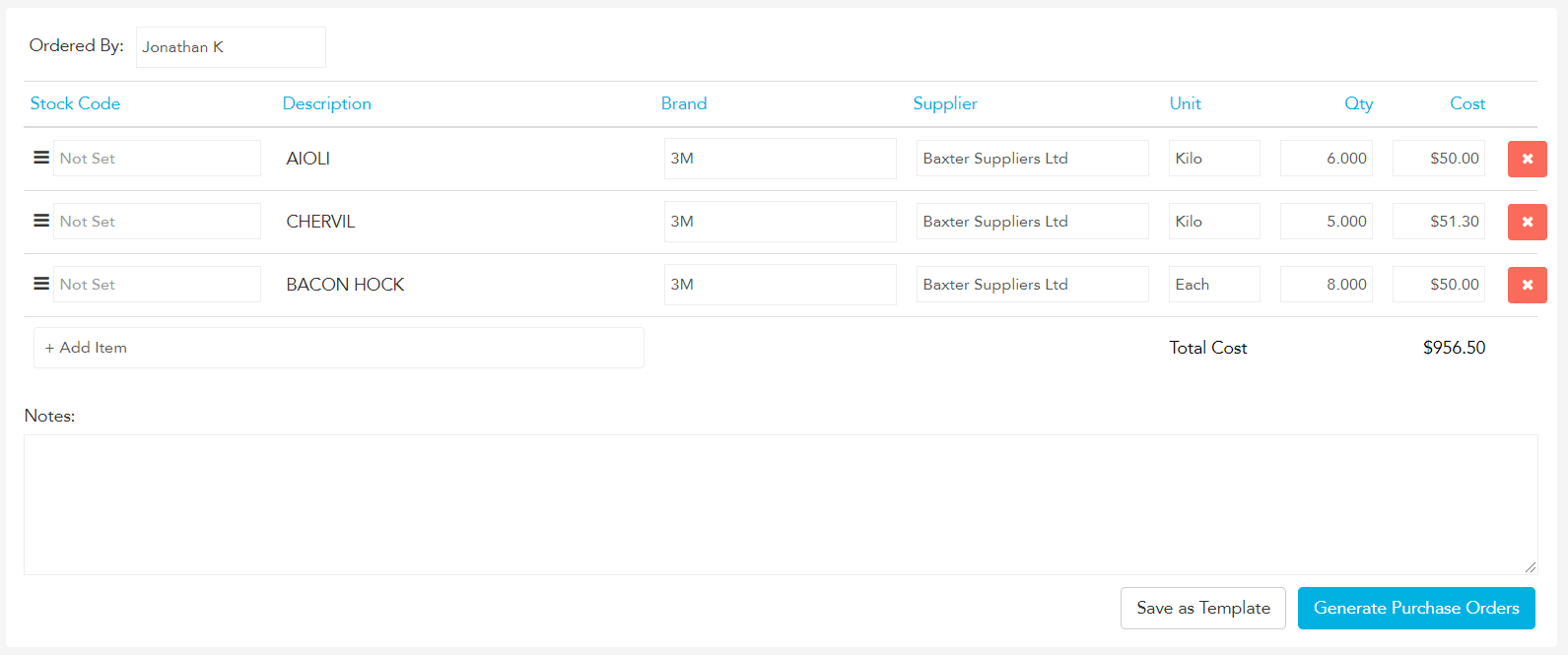
To change the supplier, click on the supplier text box and type in the name of the non-default supplier you wish to order from. Select the supplier name from the drop box.
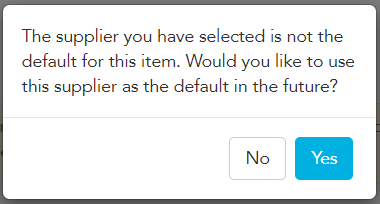
Loaded will then prompt you to see if you'd like to change this new supplier to the default supplier in future. Click No.
Once you're finished, click Generate Purchase Orders.
Loaded will take you back to the Outstanding Orders page, splitting all the items you entered into purchase orders for the relevant supplier.
You'll see at the bottom of the Outstanding Orders page all your new purchase orders waiting to be sent.
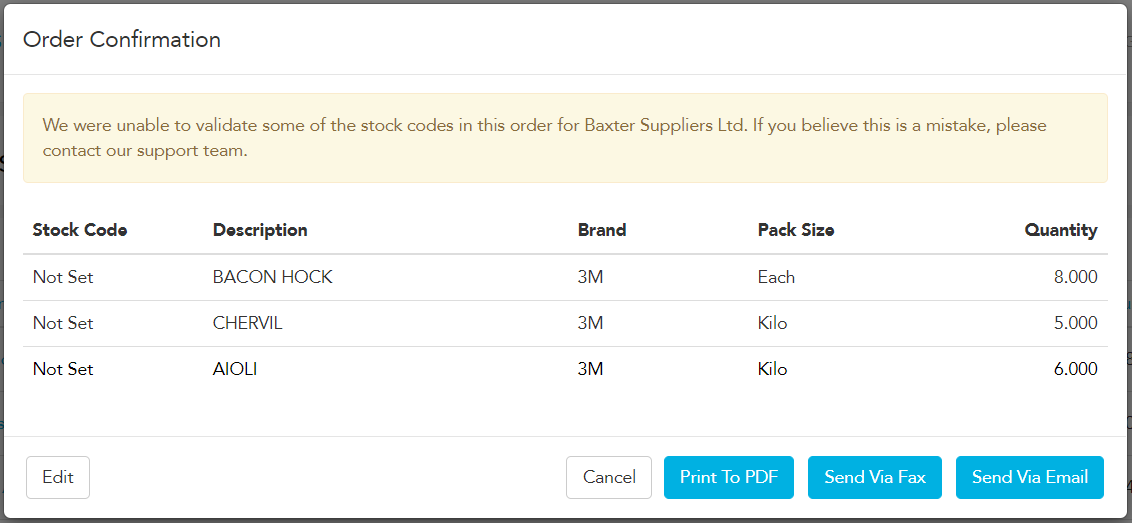
For each purchase order, click Send, then Send via Email or Send via Fax.
You can also use the Print to PDF button to keep a copy of the purchase order on site to match when the delivery is made.
Ensure that all purchase orders then show either Sent or Acknowledged in the Status column on the Outstanding Orders page.