
From hired to clocked in. Your whole team, sorted.
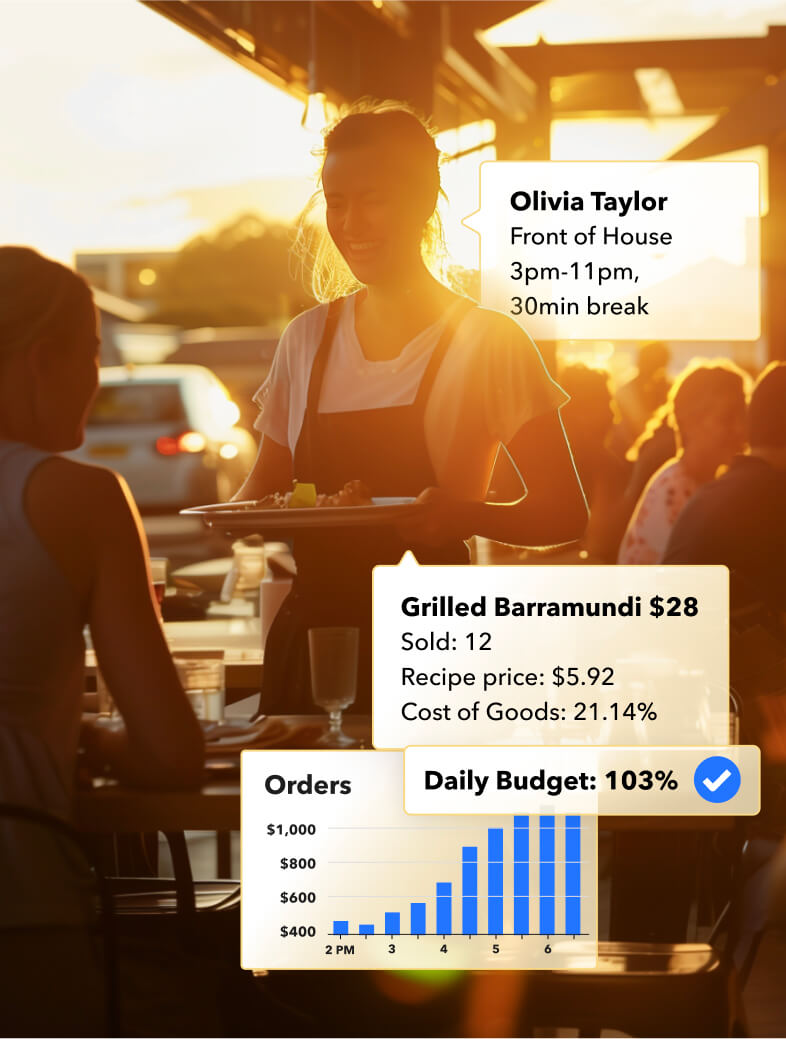
Over 10,000 successful hospitality owners and managers love Loaded





From hired to rostered, without the paperwork chase.
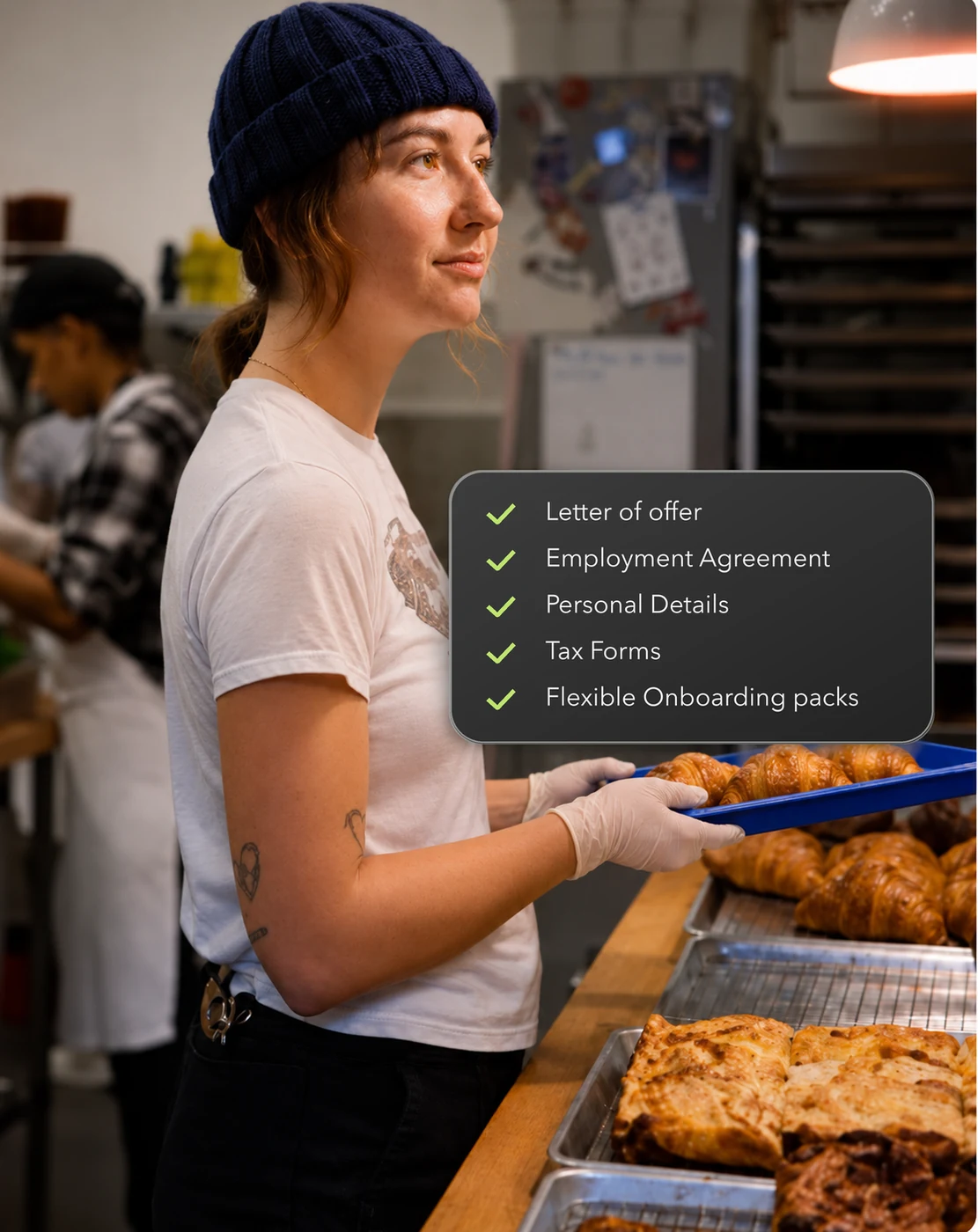
Pop in a new hire's details and Loaded sends their offer letter, employment agreement and onboarding pack together. They finish it on their own phone, with no account or password, and it lands straight on their staff record.
- Hire Staff Member creates the employee and sends their onboarding pack in the order you choose.
- AU and NZ tax forms built in ready to go.
- Digitale, certfied E-signing, employee then manager, in one final PDF.
Stop being the middleman for shift changes.
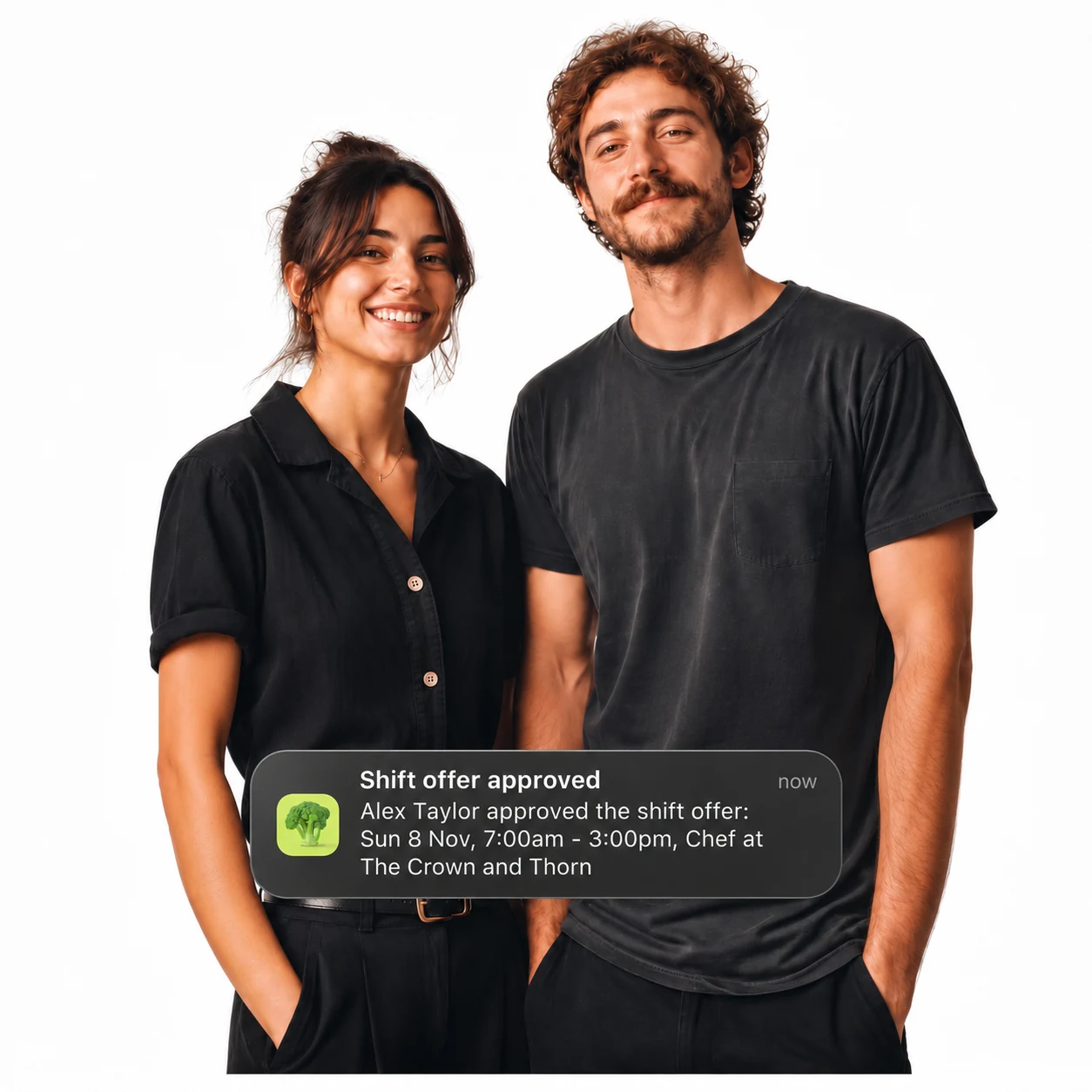
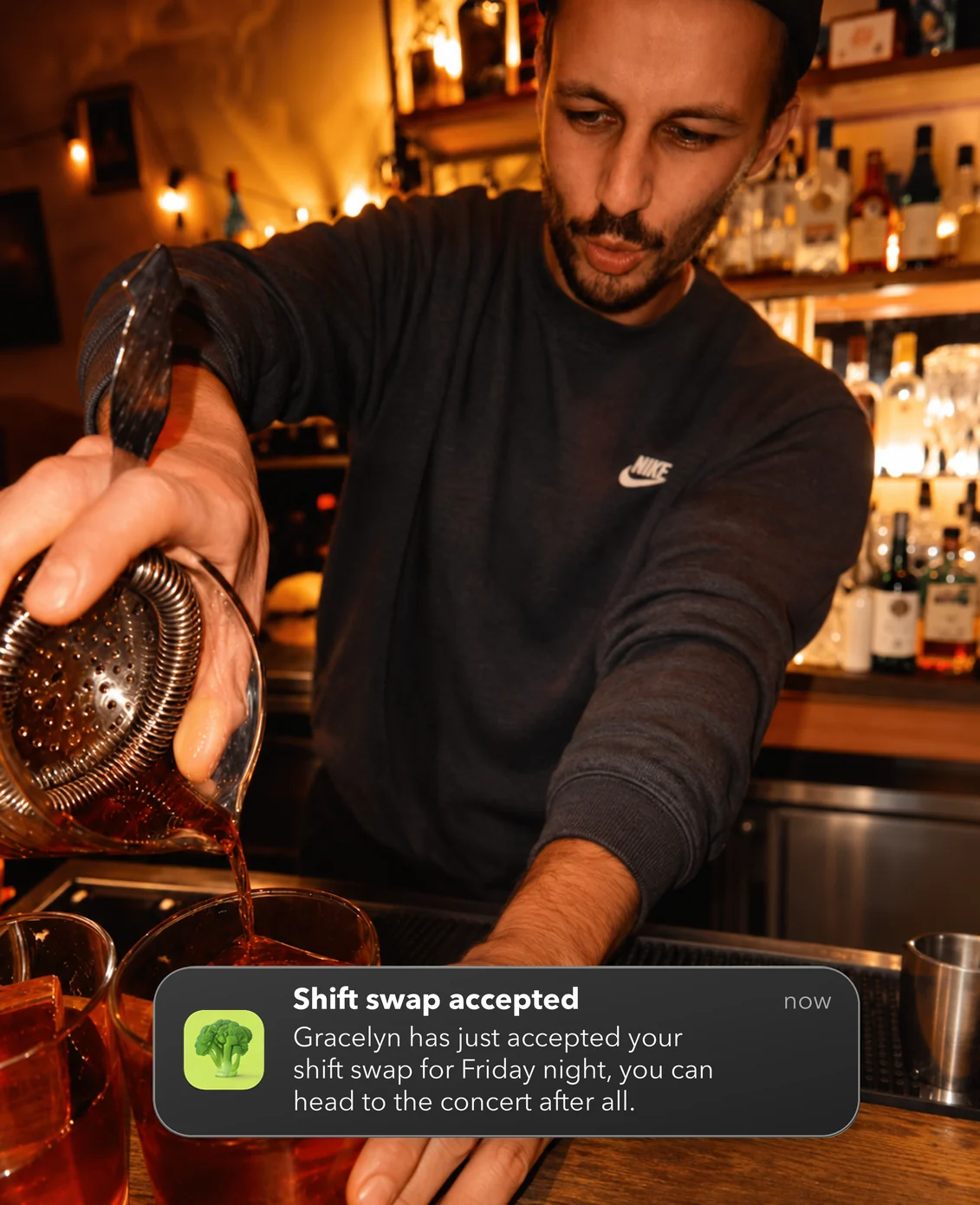
When someone can't make a shift, they offer it to a colleague, the whole team, or swap it, right in the Team App. You stay in control with approvals, and the roster updates the moment it's approved.
- Offer to someone, offer to everyone, or make a swap.
- Only eligible staff are shown, with role, leave, availability and clashes checked.
- Approve by email or in Loaded, or set to auto-approve.
Know the right person is on shift.
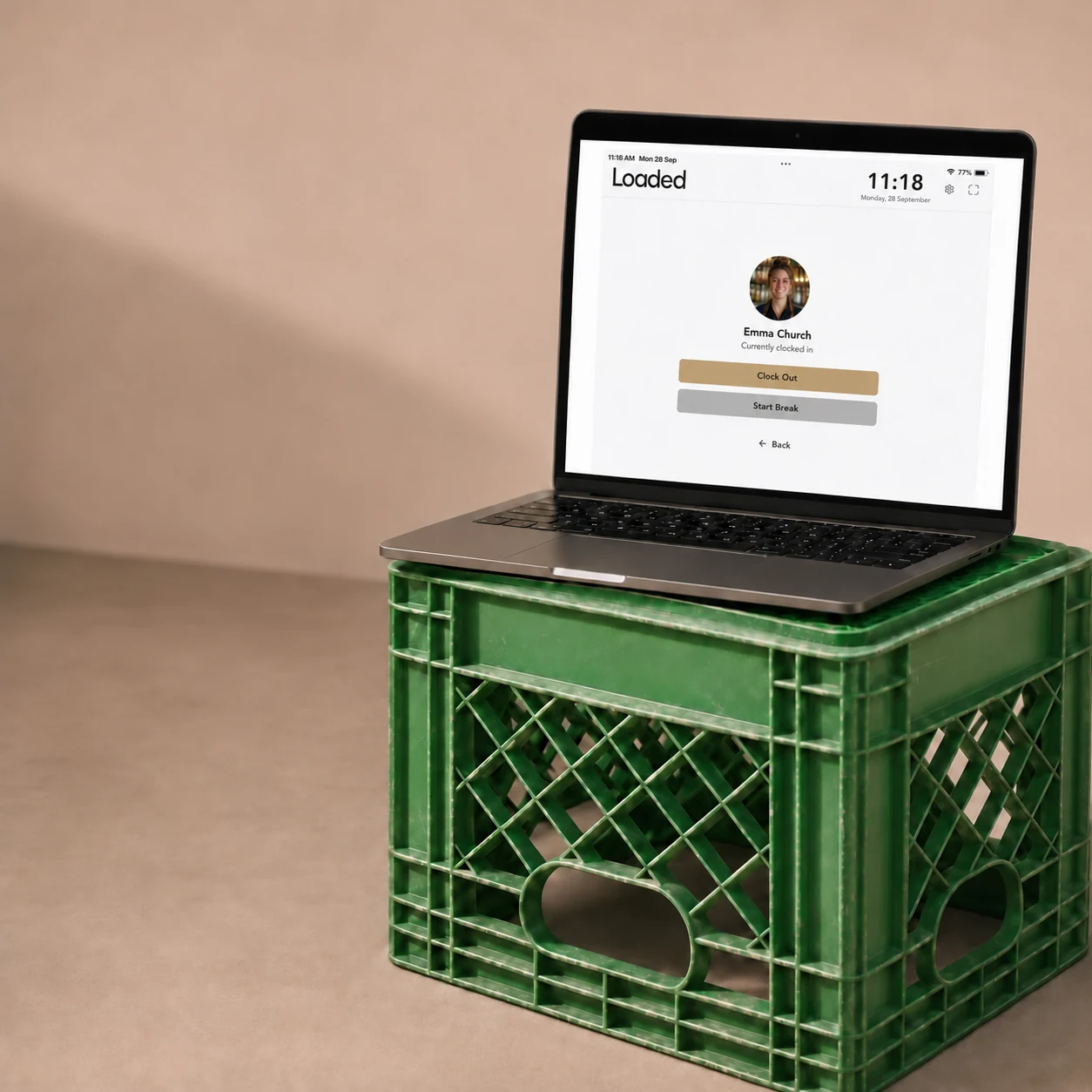
Everything the Timeclock already did, now with added security. Choose PIN, Photo or both, and see exactly how every clock was made.
- PIN, Photo or PIN + Photo for every clock-in and break.
- Works on any iPad, tablet or browser, with the same PIN your team uses in the Team App.
- Clock Edit History shows the method used and every edit made.
Five things you can do today that you couldn't last week

Hire in one link.
Offer letter, employment agreement and onboarding pack sent together, and finished on the new team member's device.
Skip the double entry.
New team member enters their details and their personal, banking, tax and super details land straight on their staff record, ready to roster.
Let staff sort their own swaps.
Your team offers or swaps shifts in the Team App, and Loaded only shows people who can actually work them.
Approve from your inbox.
Approve swaps by email or in Loaded, and the roster updates the moment you do.
Secure who clocked in.
PIN, Photo or both on every clock-in and break, with a full edit history behind every clock.
Why hospitality teams choose Loaded
LOADED WORKS WITH LEADING POS





See how Loaded can work for your team
Every demo is one-on-one with a Growth Expert who has actually run a venue, not read about one.
Book your demo
"Having everyone seeing and working from the same platform, very quickly turned into increased performance.
Frequently asked questions
Do my staff need the Team App?
Only for Shift Swapping. Staff offer and swap shifts in the Loaded Team App, available on the Apple App Store and Google Play. Onboarding and clocking in don't need the app: new hires complete onboarding from an email link, and staff clock in on the Timeclock App.
Is electronic signing legally binding?
Yes. Staff consent before signing, every action is written to an audit log, and both AU and NZ recognise electronic signatures for employment contracts.
Can managers still approve shift changes?
Yes. Turn on manager approval and every offer or swap waits for sign-off by email or in Loaded.
Does onboarding data sync to payroll?
It lands in Loaded. If you use Xero AU Payroll you can sync onboarded staff to Xero. Other payroll systems need a manual copy for now.
Already a customer? Follow the Shift Swapping setup guide to turn it on.