You need Reports, Timeclock, Payroll & Salary permission to view Labour reporting in Loaded. If you don't have access to this module, ask someone with the Manager's permission to update your user permissions.
You will need to be using the timeclock feature and have created a roster in Loaded in order to view this report.
If you'd like to customize the time frame of any of these reports, follow the steps here.
To access head to Reports, Labour then Roster vs Actual
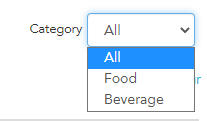
By default, this report will show your information using sales from all categories
You can adjust this by clicking on the dropbox and selecting a specific category,
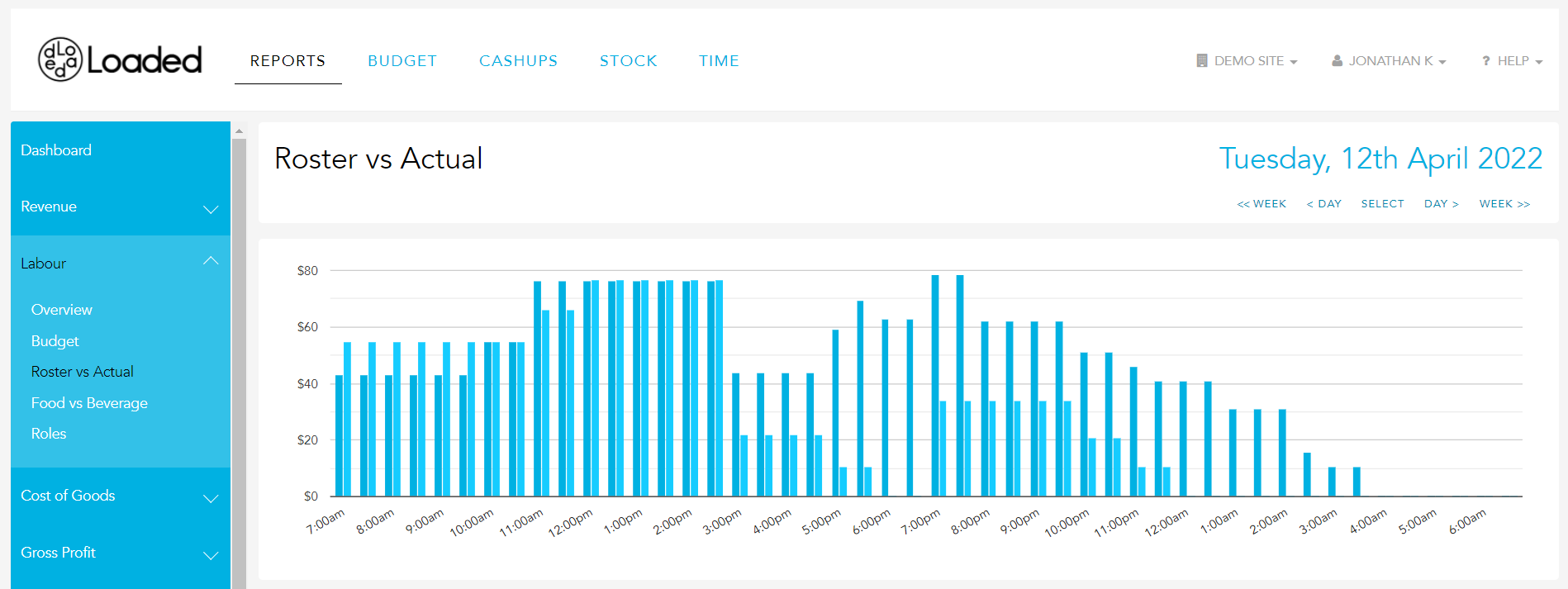
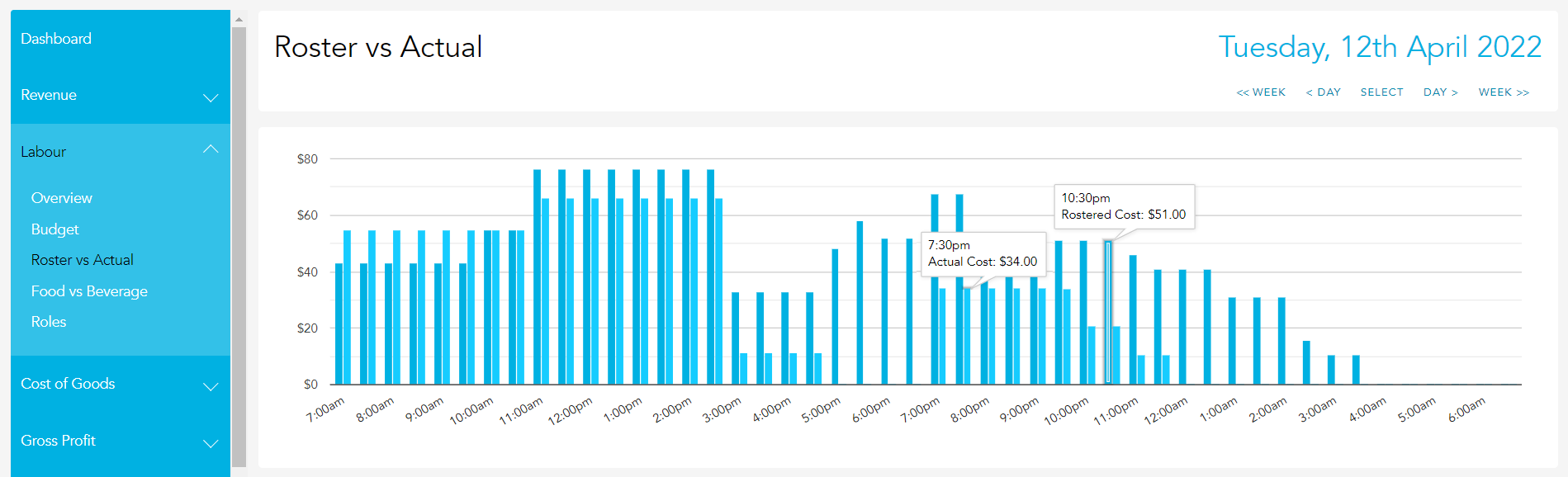
The graph along the top of the page compares your half-hourly Rostered Labour cost (in dollar value) to your Actual Labour Cost for the reporting period selected. You can hover over any point on the graph to see the exact value associated.
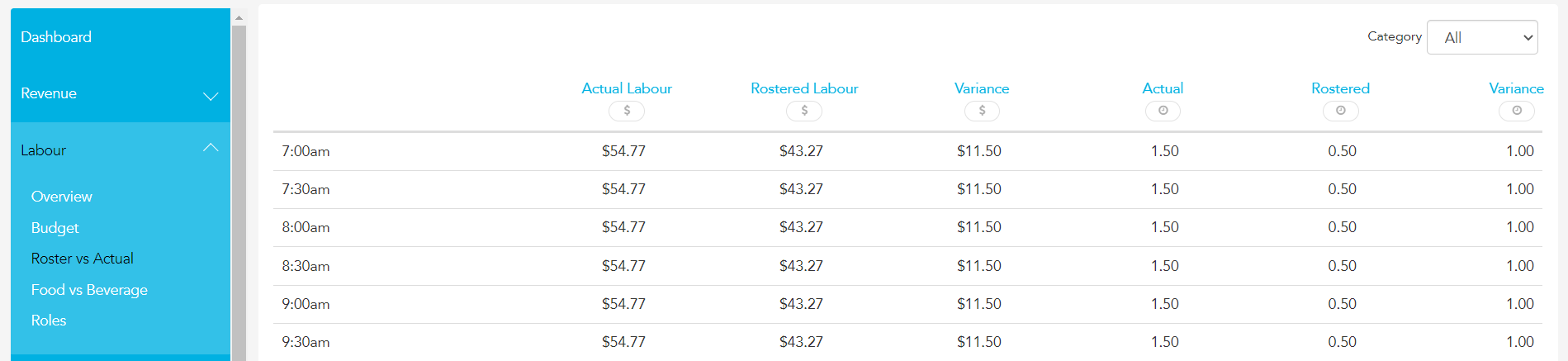
The report itself compares your Actual Labour Cost to your Rostered Labour Cost and lists the variance in both dollar value and time (in hours)
At the very bottom of the report, you will see your totals for the selected period
Questions? We're here to help.
Bring last month's numbers and we'll show you what this looks like in your venue — twenty minutes, no pitch deck.