
You need Reports, Timeclock, Payroll & Salary permission to view Labour reporting in Loaded. If you don't have access to these modules, ask someone with the Manager's permission to update your user permissions.
Your data sync will need to be running and connected to the internet on your Point of Sale in order for information to show in this report.
You will need to be using the Timeclock feature in order to get Labour cost information in this report.
If you'd like to customize the time frame when viewing these reports, follow the steps here.
To access head to Reports, Labour then Overview.
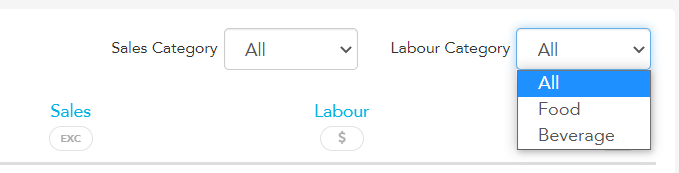
By default, this report will show your labor information using sales data from all categories and Labour costs from all cost groups. You can adjust this by clicking on the dropbox and selecting a specific Sale or Labour category.
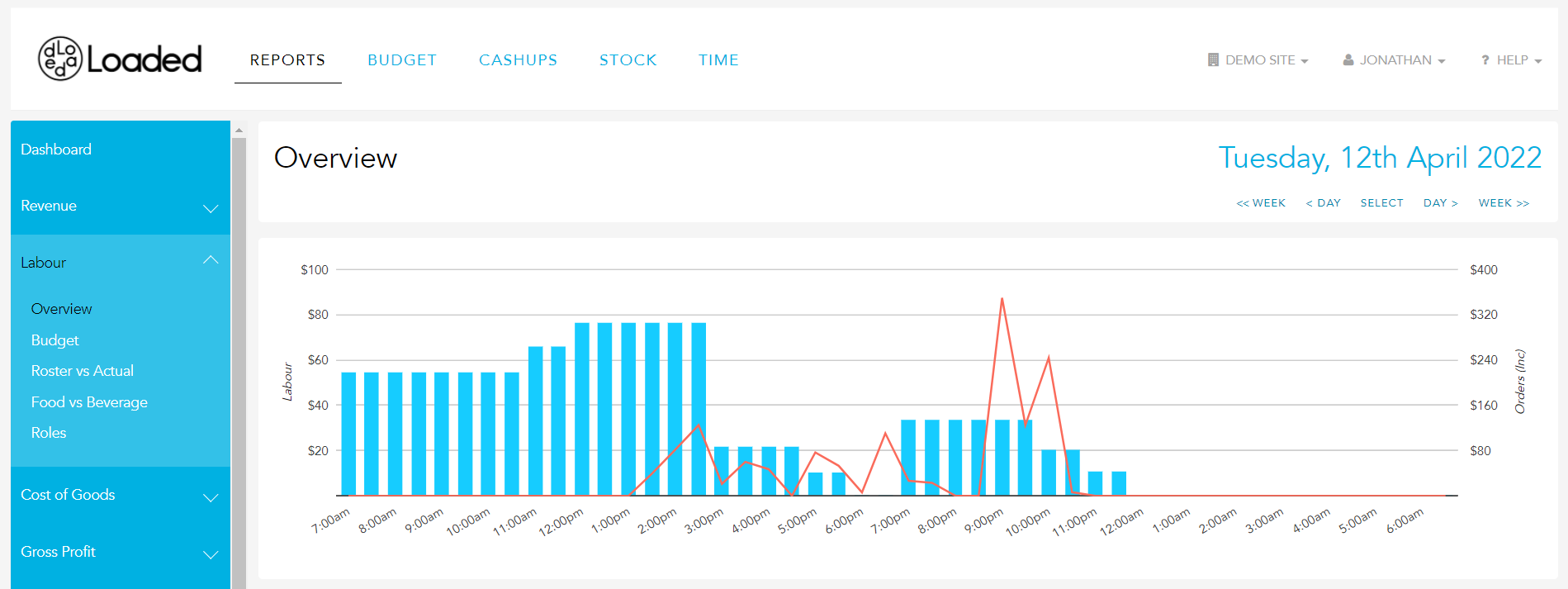
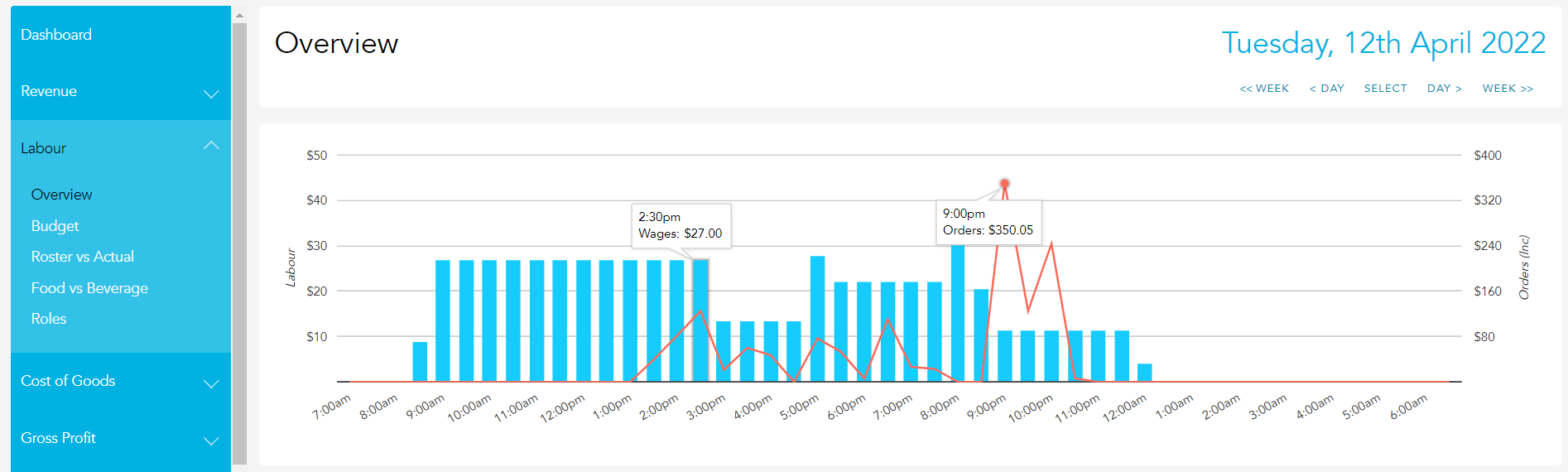
The graph along the top of the page plots your half-hour orders figures in the red line to show the trend of your Orders across the reporting period.
The blue bars show your Labour expense in dollar value across the same timeframe. You can hover over any point on the graph to see the exact value associated with each half-hour of Orders and Labour.
The report table below the chart breaks down each half-hour period across the reporting date and shows the Order value (before discounting & voids have been applied), the Sale value (after discounting & voids have been applied), and your Labour cost from the Timeclock feature.

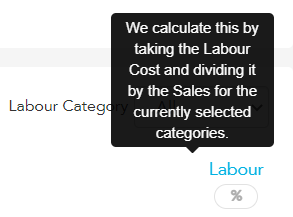
We use this information to calculate your Labour cost as a percentage of Sales. This is achieved by dividing your Labour Cost by the Sales for the currently selected categories.
At the bottom of the report, you will see your totals for the selected period
