
You need a Loaded Starter account (an account with no integrated POS) to enter your sales manually.
You can enter your sales for any previous period — day by day, week by week, or any period you like.
You need Manager and Reports permission to enter sales manually. If you don't have these permissions, ask the owner of your company to add them for you.
You can enter your sales directly into Loaded so you can monitor your Labour Cost and Cost of Goods against your sales on a daily, weekly, and monthly basis.
Entering Your Sales
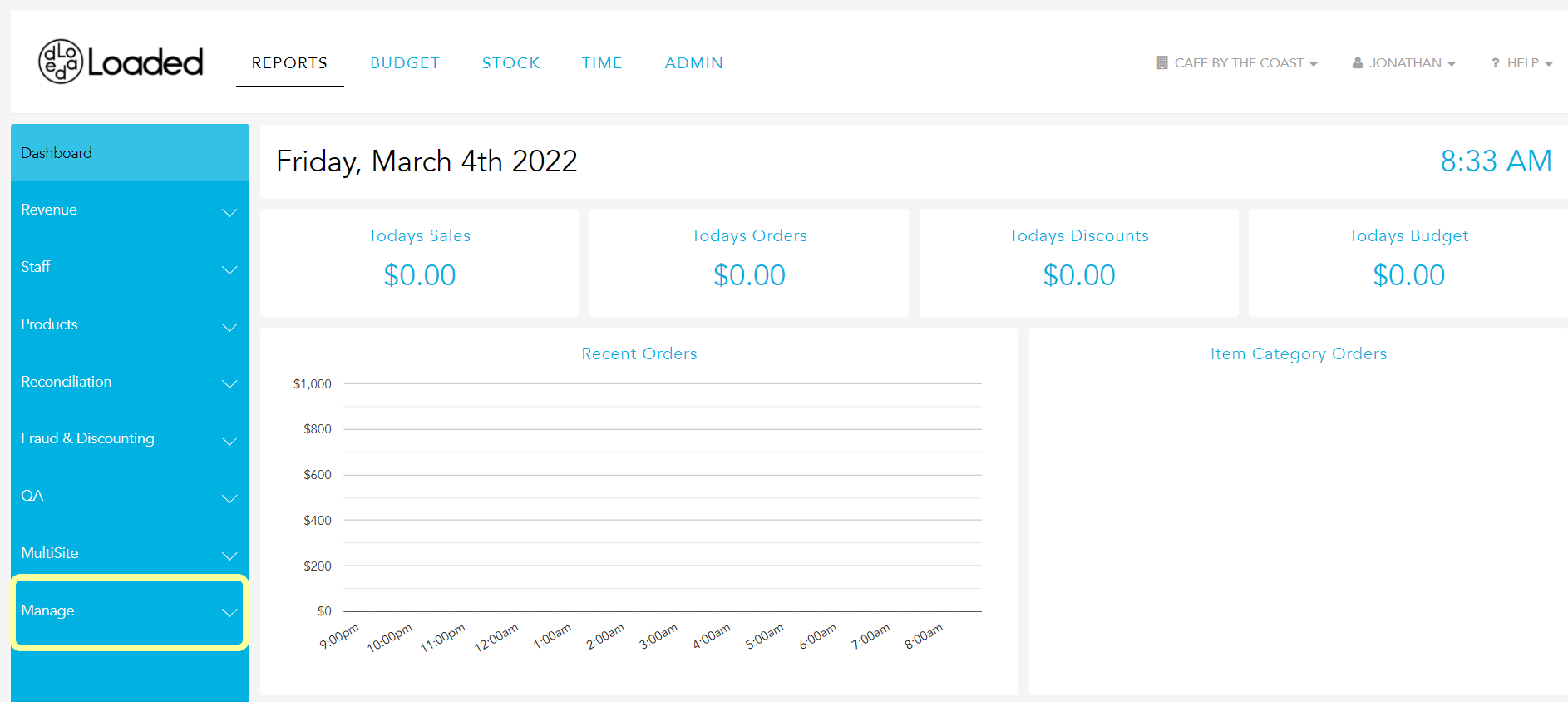
From your dashboard, click "Manage" in the bottom-left corner of the Reports menu.
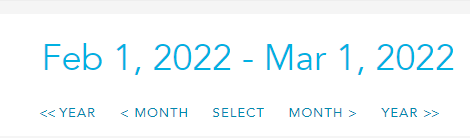
Set the date range you'd like to enter using the navigation in the top-right corner of the page.
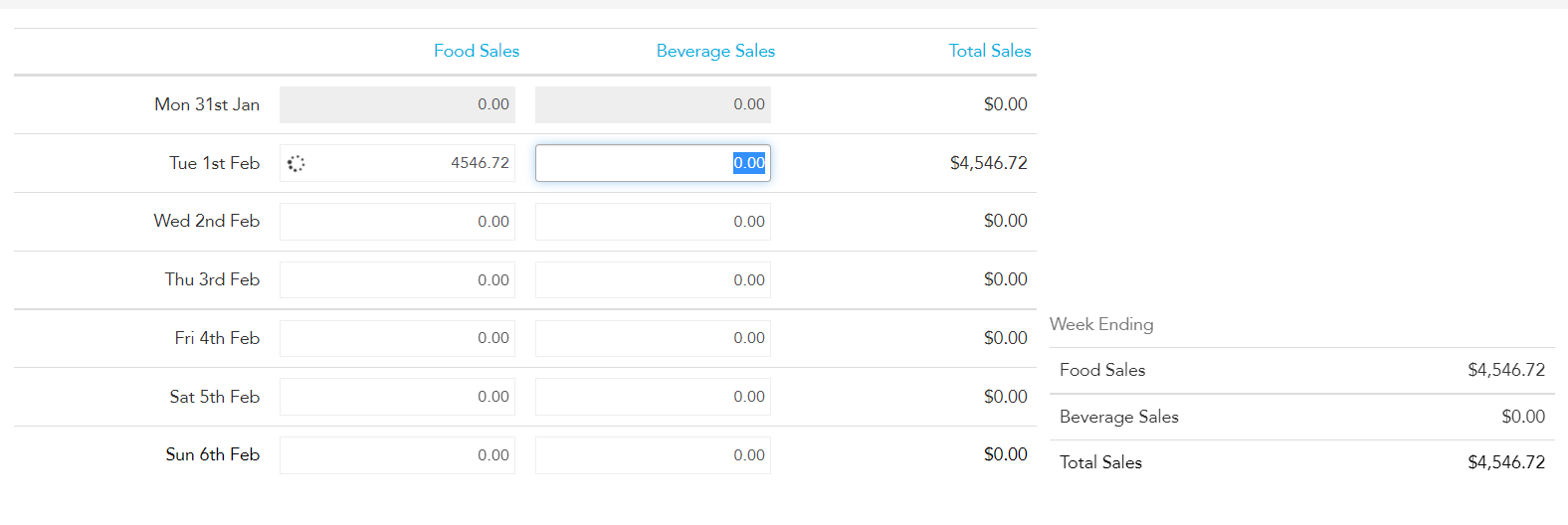
Enter the sales for Beverage and Food for each day. The total calculates automatically and the information auto-saves. Sales entered should be GST inclusive.
The sales you've entered will now appear throughout Loaded anywhere sales are used to run a report.
You can also create a Budget for the following week, month, or any period you like, and compare your Sales to your Budgets on your Dashboard. Combining this with rostering shifts for your staff and setting up a Loaded Timeclock will give you good insight into your wage cost.