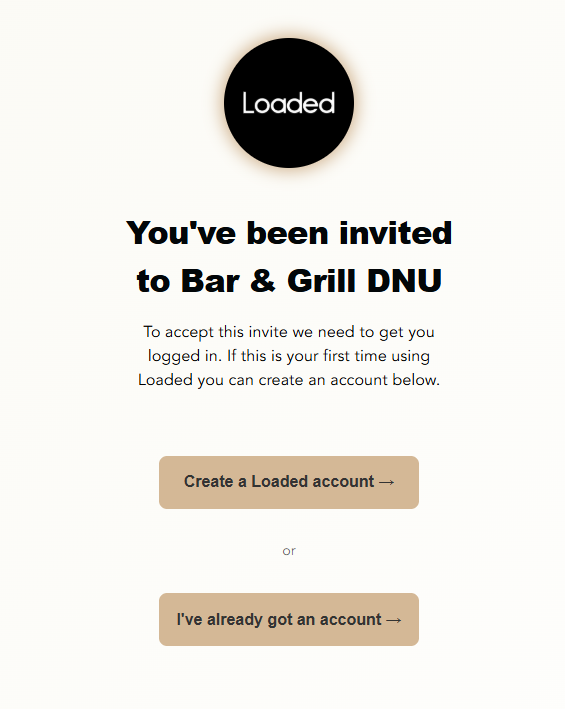
When you've been invited to a Loaded account you'll receive an email from the user that has invited you. If you can't locate the email, you may need to check your spam or junk folders:
Click on the link the email to accept the invite.
If you already have a Loaded user account for another venue, select the Login to existing account option and use your existing email and password. Otherwise, click on Create a Loaded account to create a new Loaded user account to access the venue.
Once you've created an account and signed in, welcome! You now have access to Loaded!
Other articles and resources that you might find useful.