
What you'll need
You'll need to be the owner of an existing Loaded company in order to expand the existing subscription. If you are not listed as the owner you will need to have the current owner transfer ownership to you prior to adding a new company.
If you own more than one company these will be placed on one group invoice. If you want to separate each company onto an individual invoice you'll need to assign separate owners to each venue.
Adding a Company
Click on the person icon in the top right-hand corner of your screen
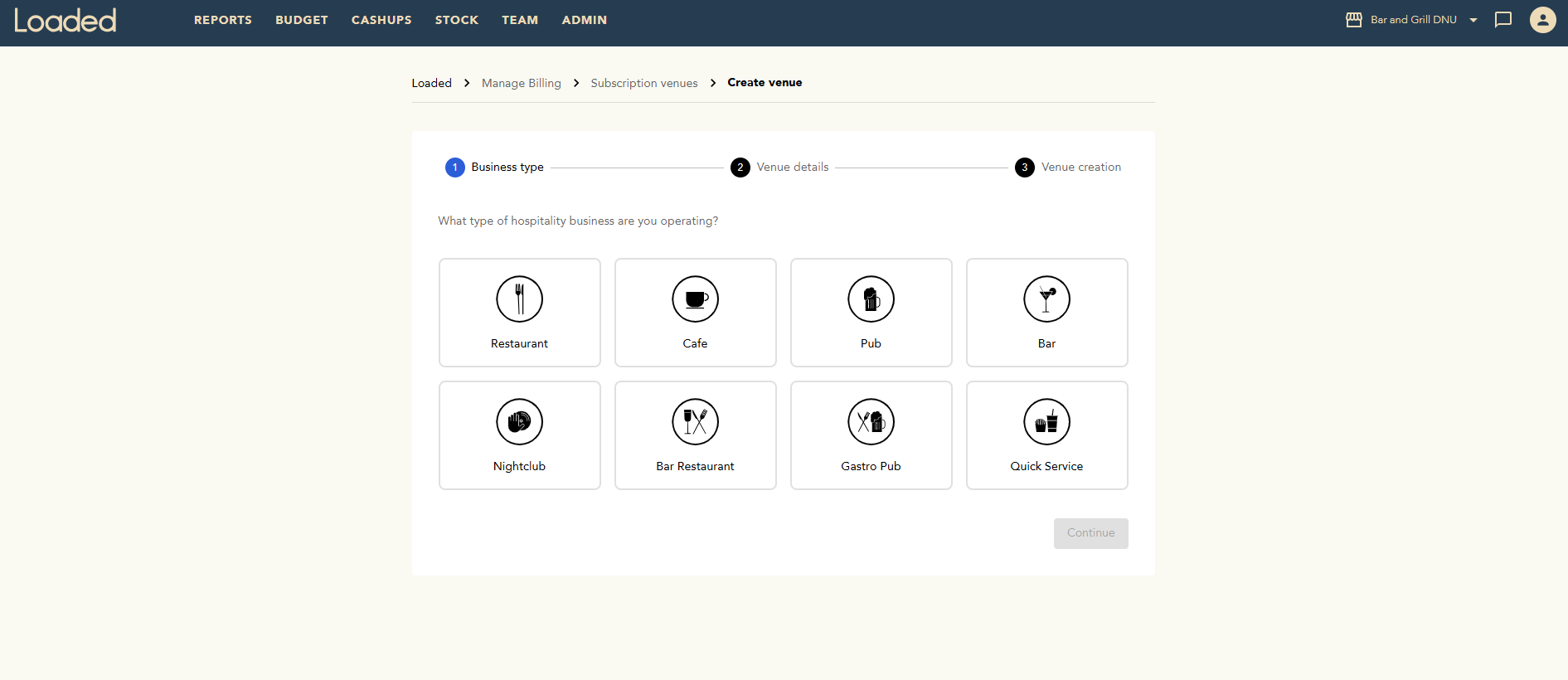
Click My venues then + Create venue

Fill in all the details for your new venue, then click Create Company.
You will need to submit a ticket to our support desk by clicking on the person icon then clicking Chat with support, or by emailing us at support@loadedhub.com to let us know you have created a new venue. We can then arrange for an install on your POS server and link all your live transaction data to your new Loaded account.