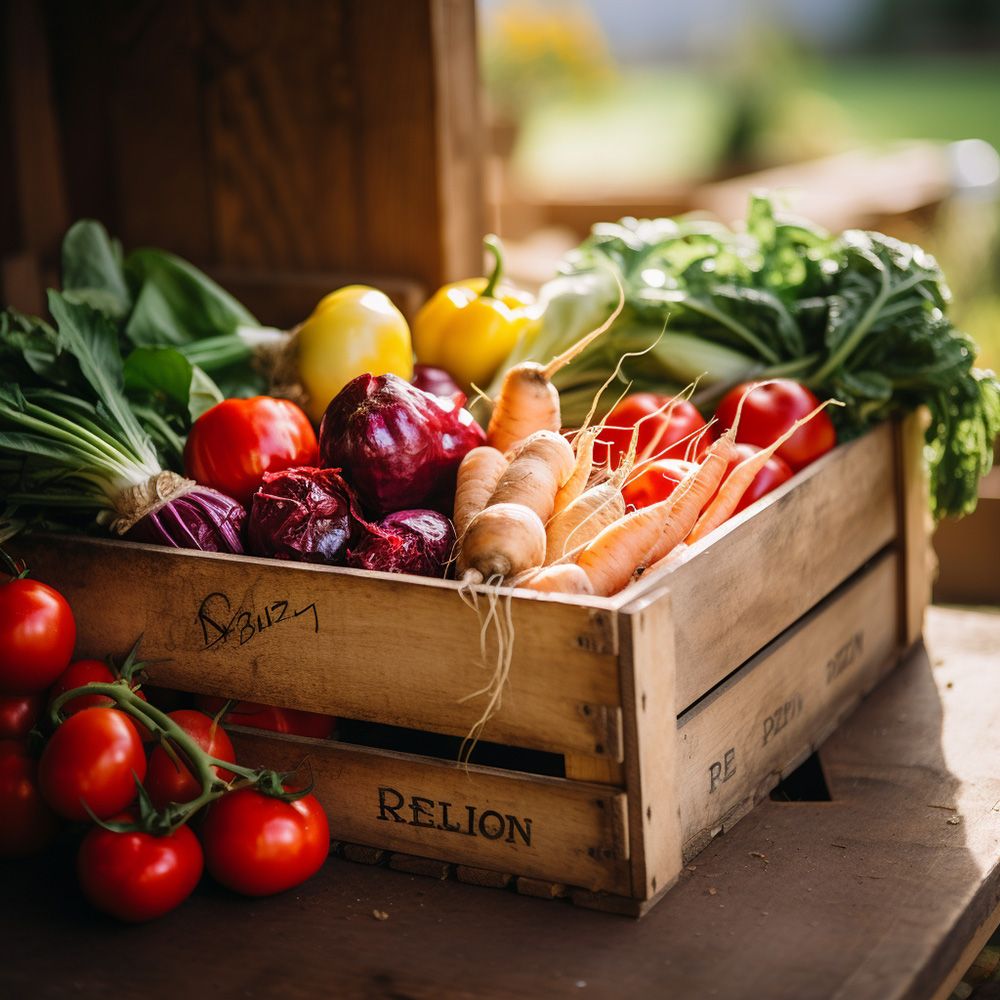

Have you ever found yourself scratching your head trying to figure out why your restaurant's profits are lower than expected? One of the main culprits could be the lack of proper food costing. Food costing software fixes this: it calculates the cost of each dish accurately, helps manage your stock inventory, organises your recipe ingredients, and identifies the meals actually putting your restaurant on top.
This guide covers what food costing software does, the features to look for, typical pricing, and how it compares to alternatives, so you can make the right call for your restaurant or bar.
What Is Food Costing Software?
Food costing software tracks the cost of your ingredients against the revenue those ingredients generate when the menu items are sold. It replaces manual spreadsheet costing with a live view of your recipe costs, stock levels and margins, updated as prices and sales change.
How Does Food Costing Software Help Your Business?
Accurate food costing helps you control how much each dish costs and maintain regular cost tracking so your menu stays profitable.
Manage recipe and ingredient costs. By itemising each ingredient by weight and cost, you can see exactly where adjustments would increase your profit margins, and substitute costly ingredients for more cost-effective alternatives.
Build a reliable menu plan. Recipe costing software gives you a plan for the week's service, which helps with production planning. Forecast based on last week's sales and adjust the menu towards better margins.
Improve order and stock management. Understanding real-time cost of goods by item, relative to how much you sell, means you're better equipped to control stock levels and what you order.
Calculate total food cost with ease. Loaded has a built-in food cost calculator using the food cost formula, which saves a lot of manual work. Book a demo with Loaded and see it firsthand.
Acts as a regular check-in for your business. Reviewing your food and recipe costing against your sales lets you keep control and adjust for fluctuations based on demand.
Identifies your top and bottom performers. Once you can see which meals carry the best margins, you can train front-of-house and kitchen staff to promote the dishes that are actually worth selling.
What Features Should You Look for in Food Costing Software?
- Inventory tracking — real-time visibility of stock on hand, what needs ordering, and what's running low.
- Recipe costing — cost per portion, ingredient tracking, and a food cost calculator that takes the guesswork out of menu pricing.
- Menu management — update prices, add or remove dishes, and see which items are actually contributing profit.
- Sales analysis — POS integration so you can see which dishes make the most (and least) profit.
- Vendor management — track suppliers and pricing in one place.
- Reporting — drill down to a single item, or roll up across every site.
How Does Loaded Compare to Restoke and Supy?
If you're evaluating food costing software, you've probably already come across Restoke and Supy, two of the platforms operators most often compare against Loaded. Here's an honest look at where each one stands.
Restoke is Melbourne-built and leans hard into AI-driven automation, with real depth in areas like invoice processing and built-in compliance documentation. Current pricing runs $149/month for its Essentials plan and $249/month for Pro (or $111 and $175 per site if billed annually), with a custom Enterprise tier for larger groups. Operators who've switched tell us the interface gets cluttered quickly, and because every drink needs its own recipe, including a glass of wine or a bottled beer, bar-heavy venues end up building out a huge number of recipes just to get started.
Supy is built for large, multi-site procurement teams, and it's a genuinely deep platform for that use case, starting from around $250/month. But that depth comes at a cost for a typical venue team: staff can get into Supy, but making sense of it, and trusting a variance when one shows up, is a different story. Ownership of cost of goods tends to collapse onto a single specialist inventory manager instead of sitting with the people actually running the venue day to day. Like Restoke, Supy also needs a recipe built for every item you sell, which doesn't reflect how most bars actually sell drinks.
Loaded takes a different approach. Stock, labour and revenue reporting all live in one place, set up properly with you from day one, so a venue manager can see their numbers, understand a variance when one shows up, and actually be held accountable for it. You can sell a portion of an item, a glass of wine or a bottled beer, without building a recipe first, and your recipe pricing reconciles with your POS sales automatically instead of needing manual re-entry.
- Pricing (from): Restoke $149/mo ($111/mo billed annually) · Supy ~$250/mo · Loaded, see Loaded pricing
- Built for: Restoke, AI-driven kitchen-first venues · Supy, large multi-site procurement teams · Loaded, venues wanting stock, labour and revenue in one view
- Beverage handling: Restoke, every item needs a recipe · Supy, every item needs a recipe · Loaded, sell by portion, no recipe required
- Who owns the numbers day to day: Restoke, kitchen/ops team · Supy, usually one specialist · Loaded, venue managers
Both platforms have real strengths worth naming. If heavy AI automation or built-in compliance documentation is your single top priority, Restoke is worth a look, though most operators tell us they'd trade some automation for a clearer picture they'll actually act on. If you're running procurement across a large multi-site group, Supy has genuine depth, but it's worth asking whether your venue managers can actually get into it, understand it, and be held accountable for what they see.
See the full breakdown: Loaded vs Restoke and Loaded vs Supy.
How Do You Choose the Right Food Costing Software?
- Your business needs. What type of food are you serving, and do you need to track inventory, recipes, or both?
- Ease of use. Look for a simple interface and a solid library of guides.
- Integrations. Make sure it connects with your POS and accounting software.
- Customisation. Can you add your own recipes, ingredients, portion sizes and pricing?
- Clear reporting. On food costs, profitability, and waste.
- How it compares to alternatives. See the comparison above for how Restoke, Supy and Loaded stack up.
- Security. How is your data protected?
- Customer service. Can you get help quickly, and how?
- Reviews. What are other operators saying?
- Free trial. Most providers, including Loaded, offer one. Start your free trial, no credit card required.
Who Uses Food Costing Software?
- Chefs and kitchen managers use it for recipe management, inventory tracking and cost analysis.
- Restaurant operators and managers use it for sales tracking, vendor management and cost analysis across every site.
- Caterers use it for accurate cost estimates, ingredient costing and labour cost calculation on larger events.
- Food service consultants use it to analyse client data and provide recommendations.
- Culinary instructors use it to teach recipe creation, menu planning and food costs.
How Much Does Food Costing Software Cost?
Pricing varies by scope. As a guide: Restoke runs $149 to $249 per month depending on plan, and Supy starts from around $250 per month, both aimed at different shapes of business, see the comparison above for the detail. Most providers, including Loaded, offer a free trial so you can see the fit before committing.
What Software Can Food Costing Tools Integrate With?
- Accounting systems like Xero, for financial reporting.
- POS systems, to simplify order entry and provide sales data on your most popular and most profitable items.
- Order management, so orders and invoices sit in one system with real-time pricing.
- CRM systems, to connect customer preferences with menu and promotional decisions.
Related guides
- Food Costing & Inventory Management Software for Multi-Site Hospitality Groups — the full pillar guide to food costing and inventory software for multi-venue operators.
- Loaded vs Restoke — a full breakdown of how Loaded compares to Restoke.
- Loaded vs Supy — a full breakdown of how Loaded compares to Supy.
Knowing your bar, cafe or restaurant's food costs helps with menu pricing, tracking prime costs, and hitting profitability targets, especially given current industry pressures like inflation and supply chain volatility. See how Loaded compares to the alternatives above, then book a free, zero-pressure 30-minute demo with someone who's actually run a real venue.
See how Loaded can work for your business
If you’ve never seen Loaded in action, jump over and book a demo with us. 30 minutes is all we’ll need to show you the magic!


More Profit
Making money doesn’t happen by accident! Learn how to tune your business and improve your bottom-line.



More Success Stories
Get inspired by stories from real Loaded customers who run thriving hospitality businesses.




More Labour
Get tips for optimising your staff’s time, and for managing your team effectively.


.jpg)
More Culture
Making money doesn’t happen by accident! Learn how to tune your business and improve your bottom-line.



More Design
Making money doesn’t happen by accident! Learn how to tune your business and improve your bottom-line.


More Design
Making money doesn’t happen by accident! Learn how to tune your business and improve your bottom-line.


More Design
Making money doesn’t happen by accident! Learn how to tune your business and improve your bottom-line.



Season 2: Spring Bootcamp for a Money-Making Summer
We've poured our 100+ combined years of hospitality experience into a series of live and recorded webinars that will be your bootcamp for a money-making summer.